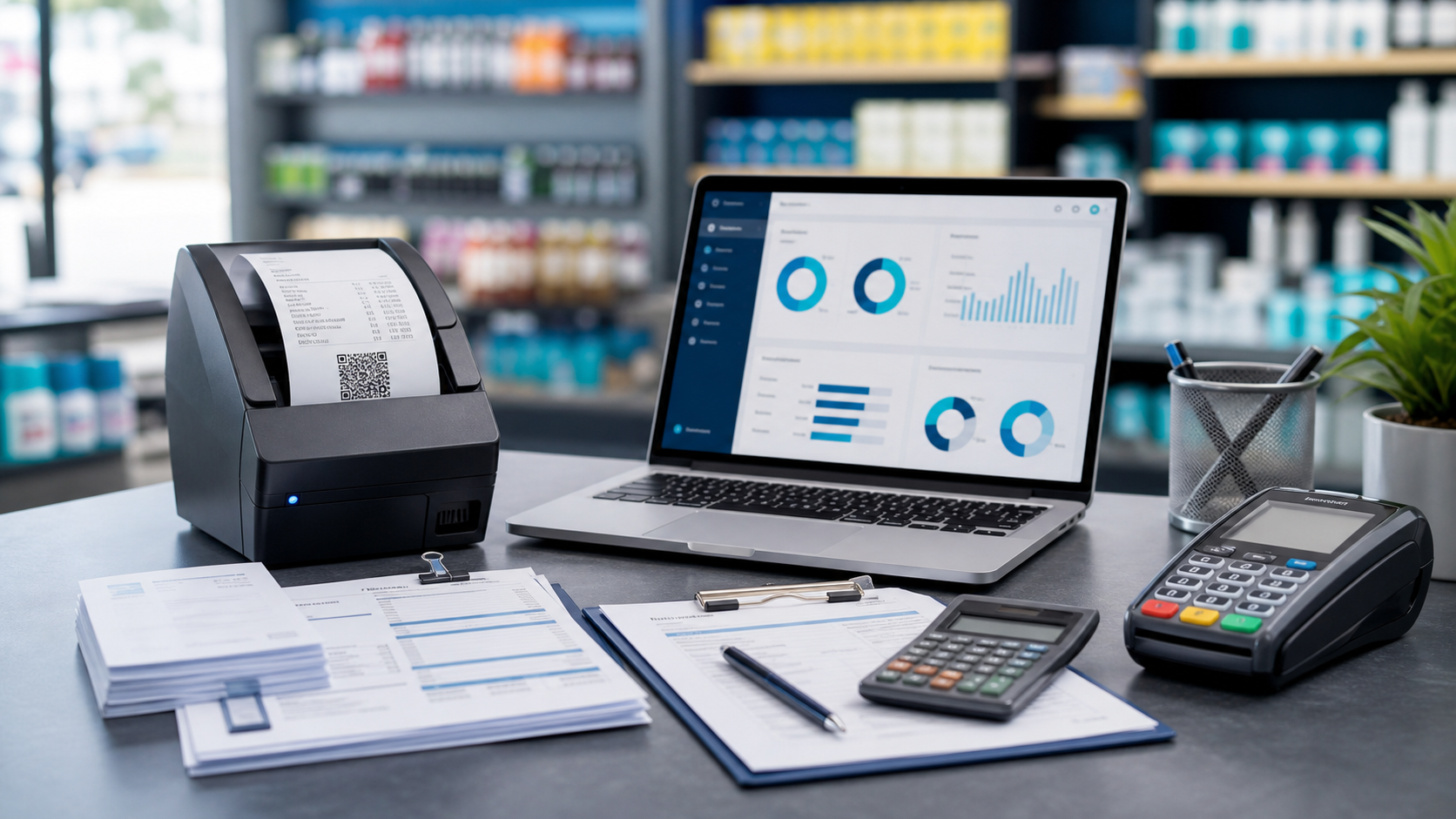
eTIMS is a workflow, not a one-time upload
KRA expects fiscal evidence tied to sales as they happen, not a panic export at month end. Your ERP should mark sales at checkout, capture Control Unit invoice numbers when filing succeeds, and handle credit notes when returns occur.
Integration checklist
- Branch KRA PIN and eTIMS device label configured per outlet.
- Sale-level ETR requested flag at POS checkout.
- Receipt prints CU number when filed, or clear guidance to complete in eTIMS.
- Credit-note submission with pending/submitted/failed status tracking.
- Driver choice: manual, sandbox, or HTTP API, plus optional auto-submit.
- Sales registers exportable for audit.
Biashara ERP ships this inside the sale flow. See KRA eTIMS integration services and eTIMS checkout guide.